

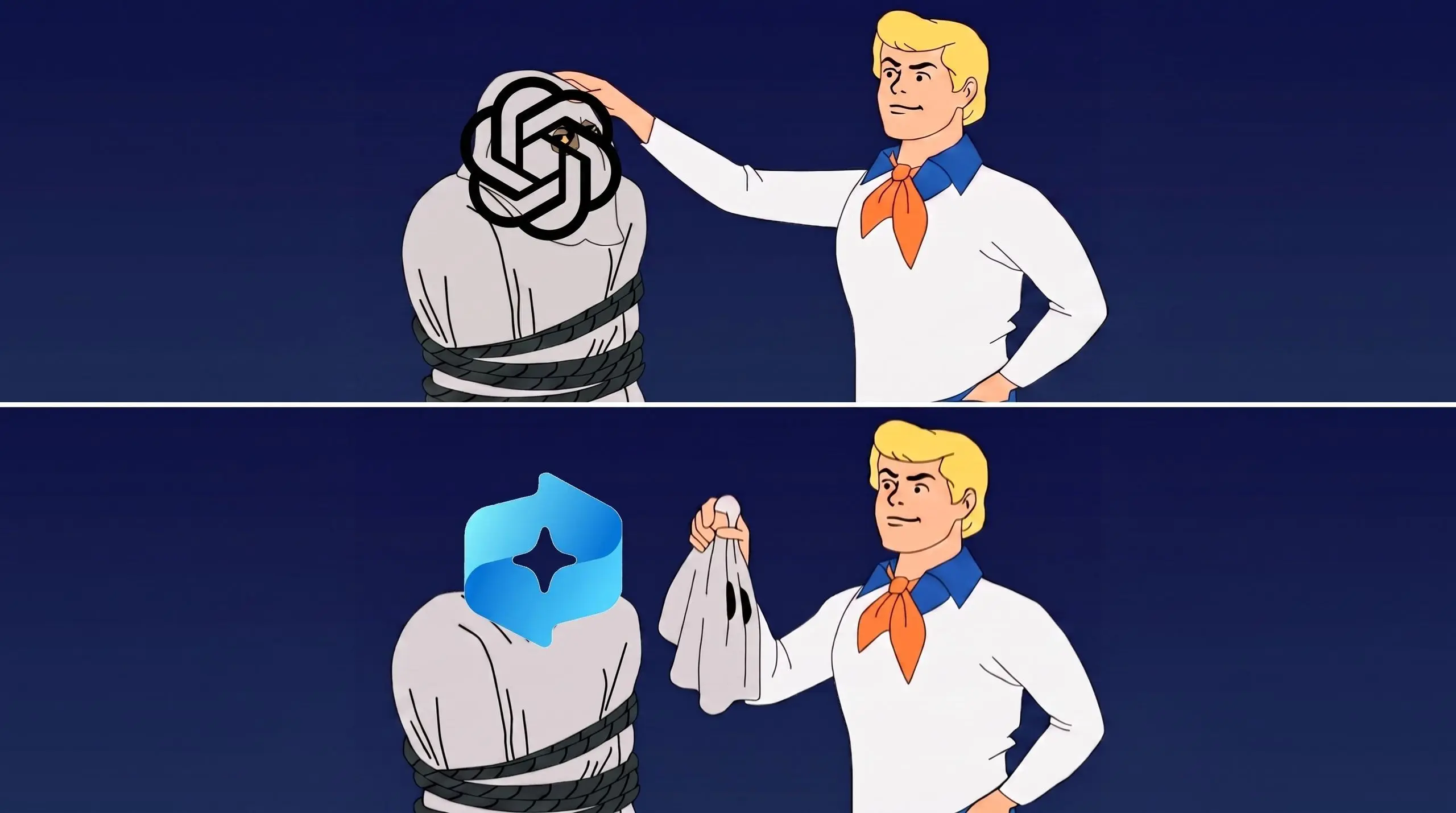
OpenAI has introduced a feature for ChatGPT on Mac that bears a striking resemblance to Windows 11's most controversial AI tool. The new screen-aware capability lets ChatGPT view and understand the content currently displayed on the screen, enabling context-aware answers and actions. However, the rollout includes a series of privacy-first safeguards that Microsoft's Recall did not have at launch.
Key facts at a glance
- ChatGPT for macOS can now read and analyze on-screen content with an opt-in permission for each app.
- The feature is turned off by default, and users must manually enable it from the app settings.
- All processing is done locally on Apple Silicon Macs using the Neural Engine, so no data leaves the device.
- Captured content is not used for training OpenAI models and is deleted automatically after 14 days of inactivity.
- A visual indicator appears in the menu bar whenever ChatGPT is actively reading the screen.
- Microsoft's Recall, by contrast, was announced as an on-by-default screenshot tool and was later halted after privacy criticism.
Why Microsoft's Recall became Windows 11's most hated feature
When Microsoft announced Recall in 2024, it was immediately met with a privacy firestorm. The feature was set to be on by default, taking a screenshot every few seconds and storing a searchable database of everything a user did on the PC. Security researchers criticized the fact that the database was unencrypted and accessible to any user or attacker with local access. Microsoft was eventually forced to pause the rollout and redesign the feature to require explicit opt-in and Windows Hello verification.
The backlash was amplified because users did not feel they had a choice. Many only learned about Recall during a busy product launch, and the initial design made it difficult to opt out completely. The idea of an AI quietly building a complete timeline of one's screen time felt invasive to consumers and privacy advocates alike. It quickly became one of the most disliked additions to Windows 11, and Microsoft had to spend months repairing the damage to its trust.
How OpenAI's approach differs
OpenAI seems to have learned from that episode. The new screen-aware capability for ChatGPT on Mac is off by default. Users have to manually activate it for each app, and they can revoke permission at any time. In addition, the processing is handled entirely on the Mac thanks to the Neural Engine in Apple Silicon. That means screenshots, text captures, and other visual data do not leave the device. No copy is sent to OpenAI's servers, and the data is never used for model training.
The feature also displays a small visual indicator whenever ChatGPT is reading the screen, so there is never any ambiguity about when the feature is in use. This is similar to the macOS recording indicator that appears when an application is using the microphone or camera. It gives users a constant reminder that the AI is paying attention, which is a significant departure from Recall's silent background operation.
On-device processing and the M-series advantage
OpenAI has heavily optimized the feature for Apple's M-series processors. Local models handle tasks like optical character recognition, layout analysis, and semantic search. Because the heavy lifting happens locally, the feature can operate in real time and works even with weak or no internet connection. This design also addresses one of the biggest complaints about Recall: the privacy risk of data being stored in a centralized clipboard-style database.
Local processing means there is no cloud sync, no remote access, and no server-side search index. The data only exists on the Mac itself, inside an app sandbox that other applications cannot access. If a user disables the feature for an app, the data from that app is immediately purged. These details are spelled out in a dedicated privacy page and in a pre-activation screen that users must read before turning on the feature.
App-level controls and transparent indicators
Users can control exactly which applications ChatGPT is allowed to see. For some apps, users might only grant access to the current tab, while for others they can allow full-window content. There is no global allow-everything switch. This granularity is important because it lets users protect sensitive apps like email, banking, or messaging services while still using the feature for research, reading, or writing.
The app also shows a persistent icon in the Mac menu bar whenever ChatGPT is viewing the screen. Clicking the icon reveals a panel that lists which apps are currently being observed and when they were last accessed. This transparency is designed to give users the same sense of control they have with camera and microphone permissions on macOS. OpenAI has also made it possible to temporarily pause the feature from the menu bar without having to open the full settings window.
Does consent make a difference?
The short answer is yes. A feature that is opt-in and transparent by design faces far less resistance than one that is silently enabled. In the case of Recall, many users only learned about it during a busy launch cycle and were startled by the breadth of its data collection. OpenAI is rolling out this update to a smaller number of users, with a clear setup flow that explicitly explains what data is collected, where it is stored, and how to delete it.
Still, macOS users are generally privacy-conscious. A recent survey found that a majority of Mac users would be uncomfortable with AI tools that automatically capture their screens. OpenAI's challenge is making sure the practical benefits are obvious enough to overcome those concerns. If the feature feels useful and safe, users may accept it. If it feels like a hidden surveillance tool, no amount of marketing will change that perception.
How is ChatGPT's screen capability useful?
In its current beta form, the feature supports a few practical workflows. You can use it to get a quick summary of long articles on a web page, extract phone numbers from a contact page, or ask for translation of a foreign-language document. The AI can also combine screen content with its memory of your conversations to give more contextual answers. For example, if you are comparing two products side by side on screen, you can ask ChatGPT to list their differences and then automatically add the result to a shopping list.
It is also useful for developers and writers. A programmer can keep documentation open in one window and ask ChatGPT to explain an error message from the terminal. A journalist can ask for a quick summary of a research paper while scanning multiple tabs. The feature is not designed to replace search or full-screen recording; it is meant to make the assistant aware of the immediate context, much like a human colleague looking over your shoulder.
What happens to the captured data?
OpenAI says the local data is encrypted and stored in an app sandbox. Users can clear the data at any time, and it is automatically deleted after 14 days of inactivity. There is no cloud sync and no bulk export. If a user disables the feature for an app, the data from that app is immediately purged. These details are spelled out in a dedicated privacy page and in a pre-activation screen that users must read before turning on the feature.
The 14-day automatic deletion is a particularly smart move. It means the Mac does not accumulate a permanent archive of screen content. Even if someone gains physical access to the machine, the leftover data will naturally age out and disappear. This is a direct contrast to Recall's original design, which stored a permanent, searchable history by default.
A different philosophy from Microsoft
Microsoft's Recall was built as a searchable timeline of everything you have ever seen on your PC. That kind of complete memory can be useful, but it is also a malware magnet and a huge privacy liability. OpenAI has deliberately taken a narrower approach: the screen-aware tool is a session-based assistant, not a permanent record. It helps you with what you are looking at right now, rather than building a search index of your entire digital life.
This philosophical difference matters. If a feature stores every screen in a searchable database, the consequences of a breach are massive. If a feature only processes data on-device and then discards it after the session, the risk profile is dramatically different. OpenAI is essentially betting that users want an assistant that can see the task at hand, not a machine that remembers everything forever.
Will users still criticize the feature?
Even with strong privacy safeguards, OpenAI is likely to face criticism. The company has had its own trust challenges, particularly around data handling and training large language models. Some users will simply not want any AI to see their screen, no matter how many opt-ins and permissions are required. Others will worry that the feature expands later, just as Microsoft tried to expand Recall's defaults after the initial backlash.
OpenAI has tried to counter that by making the feature impossible to miss. The menu bar icon is not subtle, and the permission prompts cannot be dismissed permanently. Still, the burden of proof will be on OpenAI to show that the feature remains limited over time and that users retain full control. Privacy is not a one-time setting; it is a continuous promise, and any future update that erodes those safeguards would likely trigger the same outrage that derailed Recall.
The role of Apple's privacy architecture
Apple has spent years building a reputation for on-device privacy and transparent permissions. ChatGPT's new feature relies heavily on Apple's privacy frameworks. By using the same permission dialogs and local processing infrastructure that users trust for apps like Photos and Messages, OpenAI is borrowing some of that trust. Apple requires apps to disclose privacy practices, and screen-recording capabilities are considered sensitive. The integration may actually be smoother on macOS than on Windows, where privacy controls are less granular.
Apple's App Store review process also adds a layer of accountability. Any screen-reading feature must be clearly disclosed, and users can always check an app's privacy label before installing an update. This gives users a familiar way to understand what they are agreeing to, which was entirely missing from the first Recall rollout. In that sense, the platform itself is helping OpenAI avoid some of Microsoft's mistakes.
What this means for the AI assistant race
The competition between OpenAI, Microsoft, Google, and Apple is increasingly about context. The AI assistant that can safely access your screen, email, document, and browser history will produce much more useful answers. But the price of that context is privacy. OpenAI is betting that users will accept a screen-aware feature if it is transparent, local, and revocable. Microsoft, by contrast, has already been burned by even mentioning that approach.
If ChatGPT's Mac feature succeeds, it may become the new template for how AI companies handle visual context. On-device processing, explicit permission, and a clear visual indicator could become the industry standard. If it fails, it may set back screen-aware AI by years, as no company will want to risk a similar privacy scandal. The stakes are high for both OpenAI and the broader ecosystem.
What can users do today?
Interested users can sign up for the ChatGPT Mac beta, where the feature will appear gradually. Once available, the best approach is to start with a single app that feels non-sensitive, like a notes app or an article reader. That gives users a chance to evaluate the usefulness without granting access to email or financial services. It is also wise to check the new privacy dashboard, which shows a summary of which apps have been accessed and when.
The future of AI-enabled screen is likely to be a battleground between convenience and privacy. OpenAI's Mac feature is a test case. With the right combination of defaults and transparency, it might avoid the fate of Windows 11's Recall. But in the world of AI privacy, one rushed update can undo a lot of goodwill, and OpenAI has every reason to move carefully.
Source:Windows Central News