

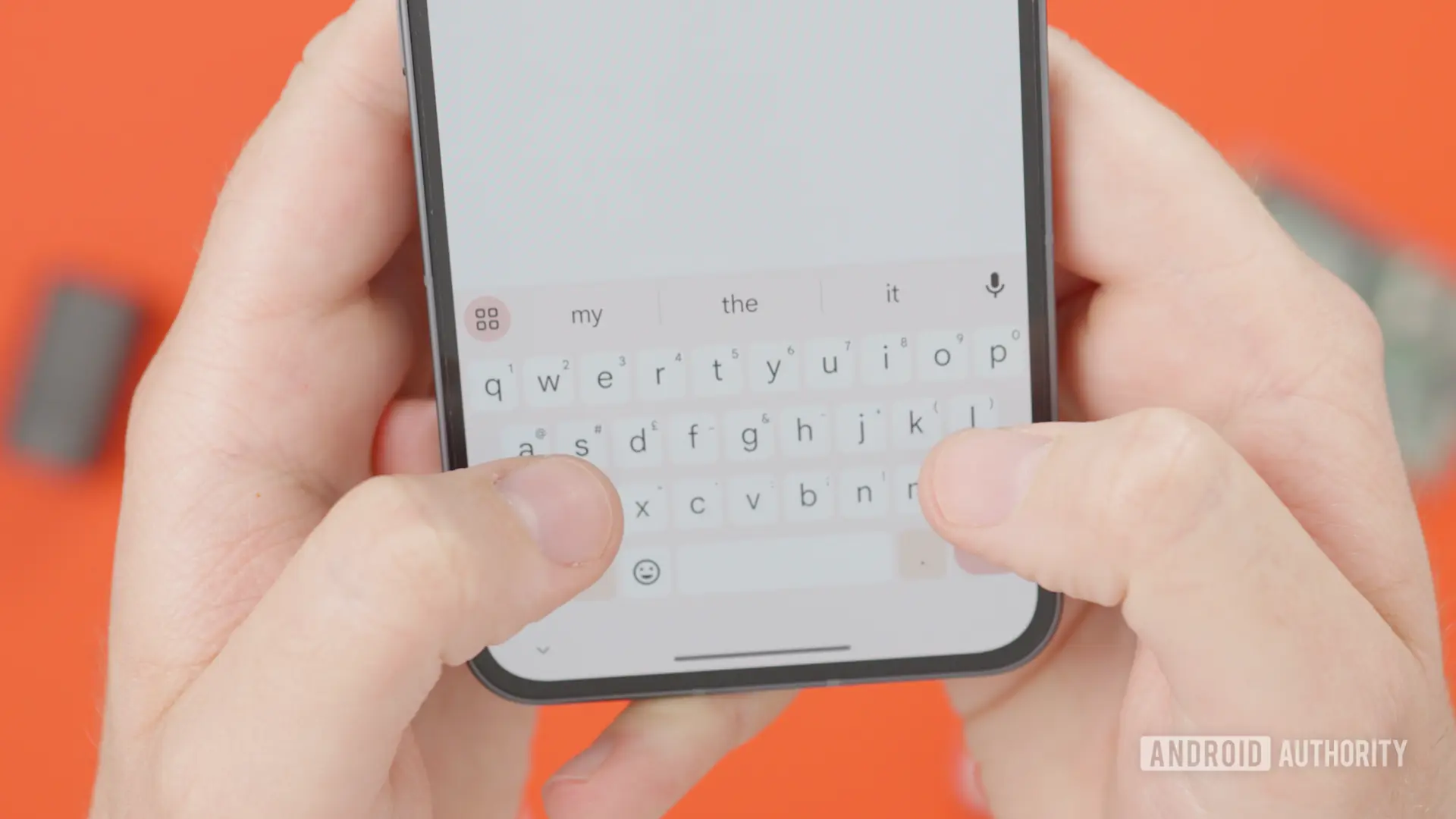
Gboard, Google's popular keyboard app for Android, is reportedly working on a small but highly practical feature that would let users dismiss clipboard suggestions with a single tap. The discovery comes from an APK teardown of the latest beta version, which revealed a cross icon placed next to clipboard suggestions and other contextual shortcuts in the top bar. For many users, this could be a welcome change, as dismissing suggestions currently requires typing something in the text field, which is awkward and disruptive.
What Is the New Dismiss Button?
According to the teardown, the new feature appears in Gboard version 18.0.3.954559732-beta-arm64-v8a. When enabled, Gboard will display a small cross icon alongside clipboard suggestions. The same dismiss button will also appear next to the undo and redo buttons that occasionally show up in the keyboard's top bar. This means users can quickly remove any unwanted suggestion without having to interact with the text field or change their typing flow.
Clipboard suggestions in Gboard are part of the keyboard's smart features. When a user copies text, the keyboard saves it to a temporary clipboard and then suggests pasting it into whichever app or chat the user happens to open next. While this can be convenient for pasting addresses, codes, or frequently used phrases, it can also become annoying when the suggestion appears in every single conversation, even when the user has no intention of pasting the copied content.
The new dismiss button directly addresses this annoyance. Instead of being forced to type a character or switch to a different app to clear the suggestion, users can simply tap the cross icon. The feature appears to be fully built out in the beta, which suggests that Google may be close to a wider rollout.
Current Dismissal Method Is Clunky
As it stands now, Gboard users have very limited options for dismissing clipboard suggestions. The only reliable method is to type something in the text field, which clears the suggestion bar and replaces it with normal text predictions. This workaround is far from ideal, especially for users who do not want to type anything at that moment. It also interrupts the flow of reading or composing a message, as the user has to shift attention to the keyboard just to get rid of a suggestion.
Some users have tried other approaches, such as clearing the clipboard from Gboard's settings, but that is not a practical solution for everyday use. Clearing the clipboard removes all saved clips and effectively disables the feature until the user copies something new. The new dismiss button would offer a much more targeted and immediate solution, allowing users to keep clipboard functionality intact while dismissing unwanted suggestions on a case-by-case basis.
What Is an APK Teardown?
This discovery is based on an APK teardown, a process that involves decompiling the app's installation file and examining its code for hidden or in-development features. APK teardowns often reveal features that are not yet visible to users, either because they are still being developed or because they are hidden behind server-side flags. It is important to note that not every feature found in a teardown makes it to a final public release. However, the dismiss button in question appears to be in an advanced stage, which increases the likelihood of a rollout.
The teardown also gives us a glimpse into Google's priorities for Gboard. The company has been gradually adding more machine learning and context-aware features to the keyboard, but it is also paying attention to user control and interface cleanliness. The dismiss button is a clear acknowledgment that smart suggestions can sometimes become intrusive, and it gives users a way to opt out of specific suggestions without abandoning the feature altogether.
Why Gboard Suggestions Are Useful but Sometimes Annoying
Gboard's suggestion bar is one of its core features. It offers word predictions, next-word suggestions, and contextual shortcuts depending on the app in use. Clipboards suggestions are particularly useful when a user copies a tracking number, a verification code, or an address and then switches to a messaging app or a website to paste it. In those moments, having the clipboard content appear immediately at the top of the keyboard saves time and reduces errors.
However, the feature can become a nuisance in other contexts. For example, if a user copies a long article excerpt for later reading, they may not want that same text to appear as a suggestion while chatting with a friend. Similarly, sensitive or private information copied from a banking app could be awkward if it keeps appearing as a suggestion in different apps. The dismiss button would allow users to clear such suggestions immediately, without having to type anything.
It is also worth noting that clipboard suggestions are not the only items in Gboard's top bar that can be dismissed. The undo and redo buttons, which appear after editing operations, can also clutter the interface. The new dismiss button would apply to those shortcuts as well, giving users better control over the keyboard's dynamic UI elements.
How Does This Compare to Other Keyboards?
Other popular Android keyboards, such as Microsoft's SwiftKey and Samsung's default keyboard, also offer clipboard suggestions and contextual shortcuts. However, the way they handle dismissal varies. SwiftKey allows users to swipe away clipboard suggestions, while Samsung's keyboard offers a separate clipboard manager with toggle options. Gboard's current approach of requiring the user to type is less discoverable and more cumbersome than either of those methods.
If Google rolls out the dismiss button as seen in the teardown, Gboard would be able to catch up with the competition in terms of user control. A simple cross icon is easy to understand and works consistently across different suggestion types. It also fits with the minimal design direction that Google has been applying to its apps in recent years.
Potential Rollout and Availability
The feature is currently limited to the beta version of Gboard, and there is no official timeline for a stable release. Google often tests features in beta before rolling them out to all users, but the process can take weeks or even months. The fact that the dismiss button appears to be fully built out suggests that it may not require extensive testing, but Google could still choose to do a staged rollout to ensure that it does not introduce any bugs.
Users who are eager to try the feature can install the beta version of Gboard from the Google Play Store, provided they are willing to accept potential instability. Beta versions often contain unfinished code and may occasionally crash or behave unexpectedly. For most users, it is safer to wait for a stable release, which could arrive in the coming weeks if the feature passes internal testing.
Why This Feature Matters for Everyday Users
For the average user, the dismiss button represents a subtle but meaningful improvement. Typing a character just to remove a suggestion is a friction point that interrupts the user experience. It may seem minor, but over time it can become a source of frustration, especially for those who rely on Gboard all day. By making it easier to dismiss suggestions, Google is essentially admitting that the keyboard should adapt to the user, not the other way around.
This change also reflects broader trends in keyboard design. Modern keyboards are becoming more intelligent, but they are also becoming more complex. Users are increasingly demanding ways to control that intelligence, whether it is by turning off specific suggestions, cleaning the clipboard, or adjusting privacy settings. The dismiss button is a step in that direction, and it is likely to be well received by the Gboard community.
In summary, Gboard's upcoming dismiss button might look like a minor addition, but it tackles a real pain point that many users have experienced. The feature was spotted in a beta teardown, meaning it could reach stable users soon. While there is always a chance that it will be scrapped before release, the advanced state of the code makes that unlikely. For now, users can look forward to a cleaner, less intrusive keyboard experience, with the ability to dismiss clipboard suggestions and other shortcuts at will.
Source:Android Authority News