

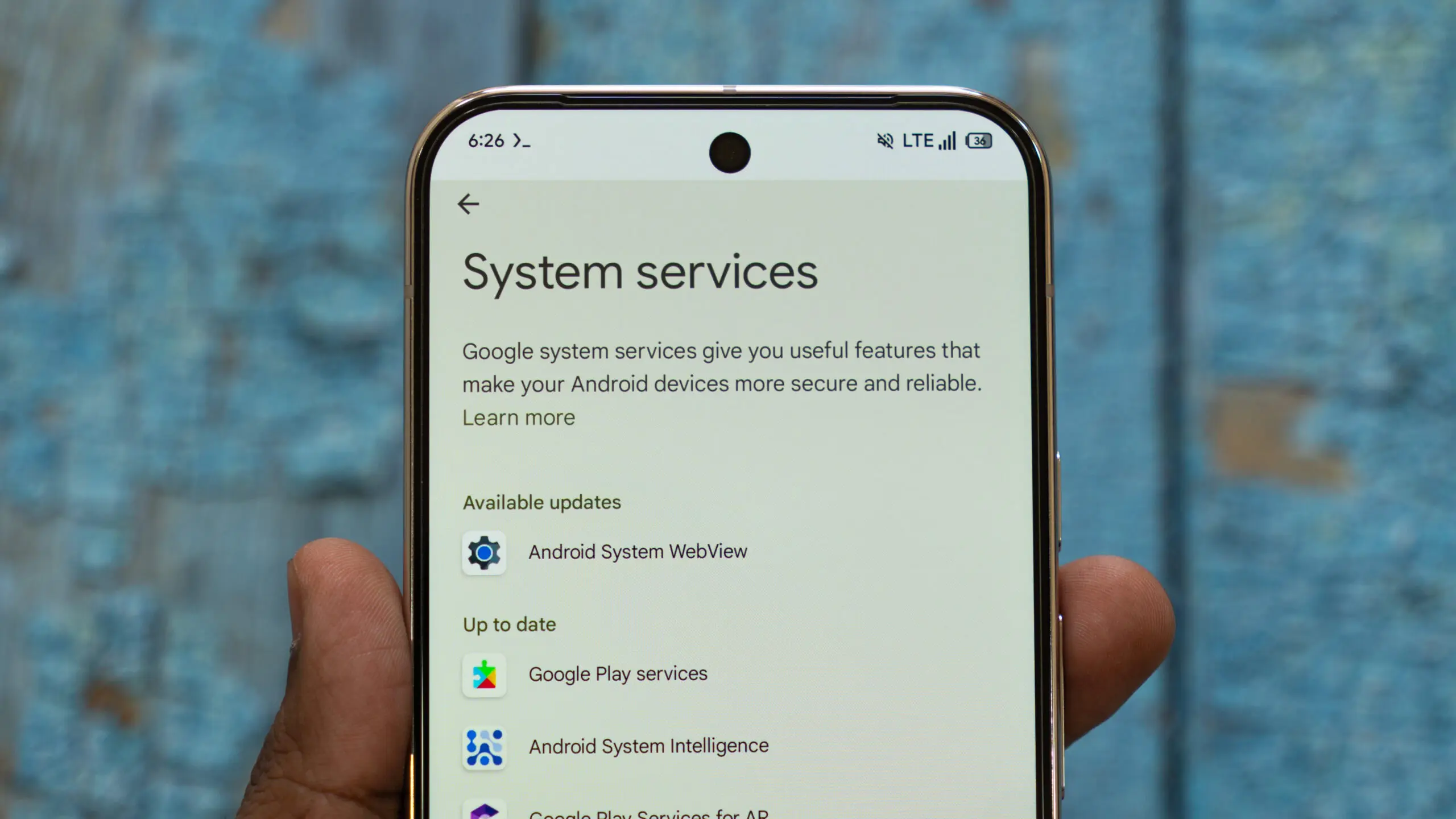
Google’s release cadence for system updates isn’t slowing down. Not long after the previous round of Play system updates brought fresh features to wrist-wearers and power users, Mountain View is back with another rollout in August 2026. The latest Google Play Services update (v26.32) release notes offer a fascinating look at how deeply Google is tying Android into its broader hardware ecosystem, most notably teasing tighter integration with upcoming Googlebooks.
This update is part of Google’s ongoing effort to create a seamless experience across all devices. The company has long been working to break down the barriers between phones, tablets, laptops, and wearables, and this new release is a significant step in that direction. With the growing popularity of multi-device workflows, Google is positioning itself to compete more directly with Apple’s Continuity and Microsoft’s Phone Link.
Googlebooks and Android will play nice together
We’ve seen plenty of chatter surrounding Google’s laptop push recently. Following leaks of a Googlebook desktop camera app UI and speculation around upcoming hardware, Play Services v26.32 officially lays the software groundwork.
During the setup wizard on PC hardware, users will now see dedicated prompts explaining the multi-device feature suite for Googlebooks. This onboard guide introduces users to seamless phone-to-laptop features right out of the box. For years, Google has included similar setup experiences for Chromebooks, but the Googlebook initiative appears to be a separate and more ambitious project that could redefine what a laptop powered by Android looks like.
Furthermore, Google is adding Quick Start support for PCs, letting you set up a new desktop or laptop using an existing Android phone. This feature is reminiscent of Apple’s Quick Start, which allows users to transfer settings, preferences, and account details from an old iPhone to a new one with minimal effort. In the Android ecosystem, Quick Start for PCs could dramatically reduce the friction of setting up a new device, especially for users who already have their entire digital life stored on a phone.
To top it off, cross-device settings will let users toggle experimental beta features directly from their device menus. This is a powerful tool for power users and developers who want to test upcoming multi-device capabilities before they become mainstream. It also gives Google a way to iterate quickly based on user feedback.
The implications of this move are significant. For years, Google has struggled to establish a cohesive ecosystem that spans both mobile and desktop computing. Chrome OS has been successful in education and budget markets, but it hasn’t made deep inroads into the traditional PC space. With Googlebook, the company seems to be taking a different approach, one that is centered on Android and deep integration with phones. This could finally give users the kind of seamless experience that Apple fans have enjoyed for years.
Tap to Share gets two new sharing options
Beyond desktop convergence, Google is expanding Tap to Share with support for links and location details. The feature debuted with the Pixel 11 and already supported sharing contacts, photos, videos, and files by tapping phones together. Now, Google Play Services v26.32 adds links and location sharing to the mix, giving users a couple more reasons to use the tap-to-share shortcut instead of navigating through the usual sharing menus.
Tap to Share is part of a broader trend in mobile connectivity. Near Field Communication (NFC) has been used for contactless payments for over a decade, but only recently have companies begun to explore its potential for peer-to-peer data transfer. Apple’s NameDrop, introduced in iOS 17, uses a similar mechanism to exchange contact information by bringing two iPhones close together. Google’s Tap to Share goes further by allowing the transfer of various types of content.
The addition of link sharing is particularly useful in social situations. Instead of having to type out a URL or send it through a messaging app, two users can simply tap their phones together to share a webpage, video, or map link. This could be a convenience for journalists, event planners, or anyone who frequently shares online content with others.
Location sharing is another practical addition, especially in travel or safety scenarios. Users can quickly share a current location with a friend or family member without needing to open a map app, copy coordinates, or send a message. This feature could also be integrated into emergency response workflows, although Google has not yet announced any such plans.
It’s worth noting that Tap to Share is likely to be available on a broader range of devices in the future. While the feature debuted with the Pixel 11, Android is an open ecosystem, and manufacturers like Samsung, Xiaomi, and OnePlus often adopt new features quickly. Google’s server-side rollout through Play Services ensures that the functionality can be updated without requiring a full OS update, which speeds up adoption.
Wear OS, Wallet, and WebView enhancements
The latest updates also introduce several changes across Google’s wider Android ecosystem.
Wear OS location controls
Google Play Services v26.32 brings Google location sharing to Wear OS. Smartwatch users get a centralized hub to configure location permissions for supported Google apps and manage settings right from their wrist. This is a welcome addition for privacy-conscious users who want more granular control over which apps can access their location data. With wearables becoming more independent from phones, having on-device settings is essential.
The importance of this update goes beyond convenience. Privacy regulations around the world are tightening, and users are increasingly demanding transparency and control over their data. By putting location controls directly on the wearable, Google is acknowledging that users should be able to manage their privacy regardless of which device they are using at the moment. It also aligns with Google’s broader privacy framework, which has been evolving in response to both regulatory pressure and user expectations.
Wallet age credentials
Digital IDs receive a boost with push provisioning support for age credentials, streamlining how verified age cards land in Google Wallet. This feature allows users to add age verification cards to their Wallet with minimal setup, which could be useful for purchasing age-restricted items, entering venues, or verifying identity online. The push provisioning mechanism means that organizations can send verified age credentials directly to a user’s Wallet, reducing the need for manual entry or third-party apps.
The expansion of digital IDs is part of a broader industry trend toward mobile identity solutions. Many state governments in the U.S. and other countries are piloting digital driver’s licenses, and Google has been actively supporting these initiatives. Age credentials are a subset of digital IDs, specifically designed to share only the necessary information (like age or date of birth) without revealing other personal details. This helps protect user privacy while still complying with legal requirements.
Google Play Store (v52.8)
Google Play Store v52.8 introduces a redesigned navigation bar on home pages, making it easier to jump straight into tailored topic categories and interests. This is an aesthetic and functional upgrade aimed at improving content discovery. The new navigation bar is likely to surface categories like games, apps, movies, and books, as well as personalized recommendations based on user behavior.
For users who feel overwhelmed by the sheer volume of apps available, this change could make the Play Store more approachable. Instead of relying solely on search and top charts, users can browse curated categories that align with their preferences. From a developer perspective, the redesign may also help smaller apps gain visibility if they appear in tailored categories that match their target audience.
Android WebView (v152)
Android WebView v152 packs essential security and privacy patches alongside new developer tools for web-rendered content in apps. WebView is a critical component of Android, as it allows apps to display web content without launching a separate browser. Every time an app shows an embedded webpage, such as a login screen or an in-app article, WebView is responsible for rendering it. Therefore, security patches are vital to protect users from malicious content.
The new developer tools are expected to make it easier for app developers to debug and optimize web-rendered content. This could lead to faster loading times and better overall performance for in-app web experiences. It also demonstrates Google’s continued investment in hybrid app development, which combines native code with web technologies.
Beyond the headline features, the Play Services update includes numerous under-the-hood improvements. These may include bug fixes, performance optimization, and battery life improvements. While these changes are not always visible to users, they contribute to the stability and reliability of the Android platform.
As usual, these server-side updates and app versions are rolling out in stages. Google has a staggered rollout strategy to ensure that any unforeseen issues are caught early before the update reaches a wider audience. Users can typically expedite the process by manually checking for updates in the Play Store and the system settings menu. However, some features may be gated by server-side configuration and may not become active even after the update is installed.
The rollout is expected to continue over the coming days, with the new features appearing on supported devices around the world. While users have been conditioned to expect regular security and feature updates, the August 2026 release stands out for its focus on multi-device integration. The groundwork being laid for Googlebooks, the expansion of Tap to Share, and the improvements to Wear OS and Wallet all point toward a more connected Android ecosystem.
For now, the Googlebook remains an unannounced product, but the evidence is mounting that Google is working on a laptop that will tightly integrate with its mobile operating system. Whether it runs a modified version of Android or a new hybrid OS, the company’s strategy seems clear: make the phone the center of the user’s digital life, with the laptop as an extension.
This approach is both ambitious and risky. On one hand, deep integration between phones and laptops could create a compelling user experience that rivals Apple’s ecosystem. On the other hand, Google’s history with hardware and operating systems has been mixed. The Pixel line has gained a loyal following, but it hasn’t captured a significant share of the smartphone market. Chrome OS, while successful in education, is still niche among general consumers.
Nevertheless, Google has been steadily improving its multi-device features over the past few years. Features like Nearby Share, Fast Pair, and Phone Hub on Chromebooks have laid the foundation for what could become a truly seamless experience. The introduction of Googlebook-specific setup wizards and Quick Start support suggests that the company is ready to take the next step.
Another interesting aspect of this update is the experimental beta features toggle within cross-device settings. This could allow users to opt into features that are not yet ready for prime time, essentially becoming beta testers for the company’s ecosystem efforts. This is similar to Google’s approach with Android beta releases, but applied specifically to multi-device functionality. It indicates that Google is confident enough in its development process to invite users into the testing phase.
In addition to the major features, the update includes minor changes that are easy to overlook but still notable. For instance, the Play Store redesign suggests that Google is paying attention to user interface consistency across devices. The WebView updates, while technical, are essential for the security of billions of Android devices. And the Wear OS location controls demonstrate that Google is thinking about privacy not just on phones, but on all wearables.
Looking at the broader landscape, Google is not the only company investing heavily in ecosystem integration. Samsung’s Galaxy ecosystem connects phones, tablets, watches, and laptops through apps like Samsung Flow and Multi Control. Xiaomi has its own ecosystem with a focus on IoT devices. However, Google has a unique advantage: the Android operating system is used by over two billion devices worldwide. If Google can deliver an integrated experience that feels cohesive across different manufacturers, it could set a new standard.
The key challenge will be fragmentation. Android runs on devices from hundreds of manufacturers, each with its own customizations. While Google controls the core OS and Play Services, it cannot always guarantee that features will work identically on every device. The Googlebook, if it exists, could be the first device to offer the full vision of Android PC integration, but third-party laptops may need extra work to achieve the same level of seamlessness.
The timing of this update is also worth noting. August 2026 is past the usual summer lull in tech news, and many companies are preparing for fall product launches. The fact that Google is rolling out significant features now suggests that the company is aligning its software roadmap with upcoming hardware announcements. It would not be surprising to see a Googlebook officially unveiled in the coming months, perhaps at a Pixel event or Google I/O.
The company has historically used software updates to build anticipation for hardware. For example, Google Play Services updates often include code references to unannounced Pixel features, which are later revealed when the hardware is launched. The inclusion of Googlebook-related features in v26.32 is likely part of this pattern.
For users, the immediate takeaway is that their Android devices are about to become more powerful and more connected. Whether it’s sharing a location with a friend by tapping phones, setting up a new laptop with a phone, or managing privacy settings from a watch, the new capabilities are designed to make everyday tasks simpler. The gradual rollout means that users may see these features appear over the next week or so, and checking for updates manually is recommended for those who are eager to try them out.
As with any software update, there is always a small risk of bugs or compatibility issues. Google has been known to pause rollouts if a critical issue is discovered. Users who experience problems after installing the update can typically submit feedback through the Google Play Services app’s support channels. In most cases, the company responds quickly to security issues but may take longer to address minor annoyances.
In summary, the August 2026 Google Play Services update is one of the most significant in recent memory. Its focus on multi-device integration, privacy, and user control signals a shift toward a more mature and connected Android ecosystem. While a Googlebook may still be under wraps, the software is clearly preparing for its arrival. And for the rest of us, the updates to Tap to Share, Wear OS, Wallet, and WebView offer immediate improvements that will be welcomed by a wide range of users.
Source:Android Authority News