

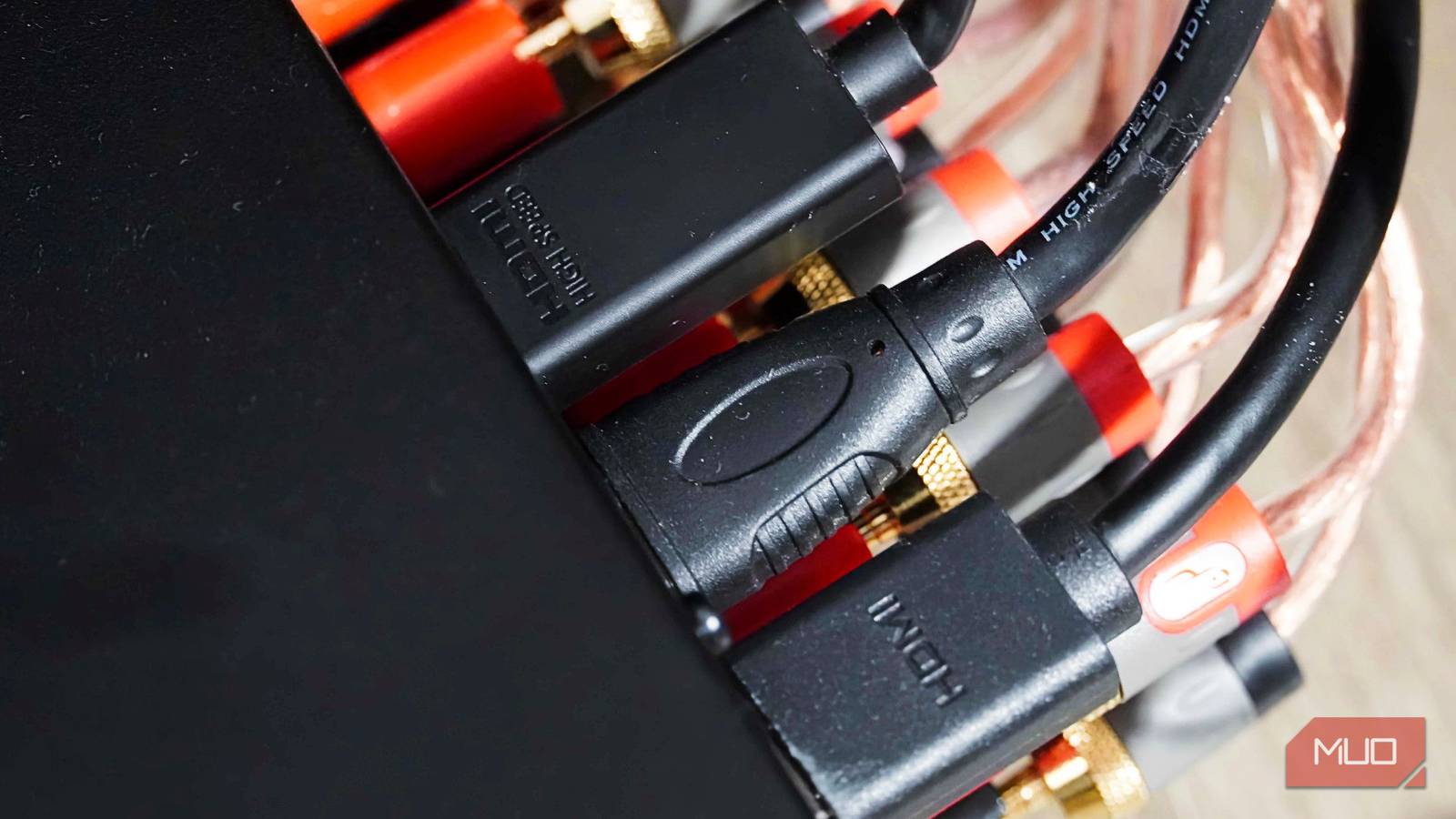
When you walk into an electronics store, the HDMI cable section can be overwhelming. Shelves are lined with versions, speeds, and premium branding, all suggesting that spending more money gets you a better picture or sound. But that belief is rooted in outdated technology. Understanding how digital signals work reveals that most people are wasting money on overpriced cables.
The Digital Revolution: Why Expensive Cables Don't Improve Quality
Digital vs. Analog: The Fundamental Difference
In the past, analog connections like composite video or VGA transmitted continuous electrical waves. Those waves were vulnerable to interference and resistance. A cheap cable could degrade the wave, resulting in a dimmer picture, ghosting, or muffled audio. The quality of the cable directly affected the output quality. But HDMI is completely different. It is a digital interface that sends data as discrete ones and zeros, not as a continuous wave. This means that the signal is either perfect or absent. There is no middle ground where a cheaper cable quietly reduces sharpness or color depth. This phenomenon is known as the digital cliff effect.
The Digital Cliff Effect Explained
The digital cliff effect refers to the behavior of digital signals: they either arrive completely intact, allowing your display to reconstruct a flawless image, or they fail catastrophically, causing blackouts, screen tearing, audio dropouts, or flashing pixels. There is no gradual degradation. If your TV shows a stable picture without glitches, your cable is already performing its job perfectly. It cannot do any better than that. Therefore, the idea that a more expensive cable will provide better picture quality is a myth leftover from the analog era.
Why We Overspend: Marketing Myths and Unnecessary Features
Gold Plating, Braiding, and Shielding
Manufacturers often promote gold-plated connectors, thick braiding, and heavy shielding as signs of superior quality. In reality, gold plating only prevents corrosion, which is rarely an issue in normal indoor use. Braiding and extra shielding can make a cable more durable, but they cannot improve the transmission of digital ones and zeros over a typical distance. Unless you are constantly bending or plugging and unplugging the cable, these features are unnecessary. A simple $10 certified cable will deliver the same image and audio as a $200 cable in most home setups.
Long Distances and Interference: The Exceptions
The only situations where cable quality genuinely matters are over long distances or in environments with severe electrical interference. High-frequency signals do weaken as they travel through copper. However, for runs under six feet, there is no practical difference between a cheap cable and an expensive one. For longer runs, such as those exceeding 25 feet, you may need a higher quality cable or an active cable with built-in signal boosting. Active cables are directional and require correct orientation: one end labeled “Source” must connect to the player, and the other labeled “Display” must connect to the TV. Reversing them will result in no signal at all.
How to Choose the Right HDMI Cable for Your Setup
Focus on Speed Certification, Not Version Numbers
When shopping for an HDMI cable, ignore the version numbers (like HDMI 2.0 or 2.1) printed on the box. Instead, look for the speed certification labels. The cable itself only controls the maximum data rate it can handle. Everything else is determined by your source device and display. Buying a cable that exceeds your hardware’s capabilities adds no benefit; it only costs more. The HDMI Licensing Administrator defines several certification categories: Standard (up to 4.9 Gbps), High Speed (up to 10.2 Gbps), Premium High Speed (up to 18 Gbps), and Ultra High Speed (up to 48 Gbps).
Matching Cable Speed to Your Devices
For basic setups, such as a 1080p office monitor or an older HD TV, a Standard or High Speed cable is sufficient. These are widely available for under $10. If you have a 4K TV for streaming with a Roku, Apple TV, or Blu-ray player, a Premium High Speed cable is the ideal choice. It supports 18 Gbps, enough for 4K at 60Hz with static HDR. These cables are also inexpensive, typically under $15. Spending more for a standard 4K setup is pointless. Only if you have cutting-edge gaming hardware like a PS5, Xbox Series X, or a modern gaming PC that supports 4K at 120Hz or 8K at 60Hz do you need an Ultra High Speed cable. Even then, a certified Ultra High Speed cable around $20 is as good as a $100 cable over a normal living room distance.
Cable Handling and Installation Tips
Bend Radius and Port Strain
Even though digital signals are robust, the copper wires inside an HDMI cable are fragile. Forcing a cable around a sharp corner or cramming a wall-mounted TV back against the plug can damage the internal wiring. Every HDMI cable has a minimum bend radius; ignoring it during installation can cause intermittent issues. Bending too sharply disrupts the precise spacing between internal wire pairs, leading to signal problems. Additionally, letting a heavy cable hang freely off the back of a TV or receiver can slowly bend the metal pins inside the port, resulting in a loose connection. Secure the cable to the TV mount or media console to avoid this.
Directional Cables and Active Boosters
Longer active HDMI cables and fiber-optic hybrid cables are directional. They have tiny chips built into the connector heads to boost the signal. The end marked “Source” must go into the player, and the end marked “Display” into the TV. Running a fifty-foot cable backward through a ceiling is a painful mistake to discover, as it will pass absolutely no signal until flipped around. For standard lengths under 25 feet, passive cables work equally well in either direction.
Practical Advice for Most Users
For normal home setups, the $10 cable from a reputable brand does the same job as the $200 one. Buy to match your hardware’s actual output: if you only have a 1080p TV, a High Speed cable is enough. If you have a 4K TV without high refresh rate gaming, a Premium High Speed cable is sufficient. Secure the cable so it doesn’t strain the port, and check directional labeling for any run longer than 25 feet. That is genuinely all there is to it. The next time you see a $100 HDMI cable with flashy packaging, remember that digital signals are binary: they either work perfectly or not at all. Spend your money on the hardware that actually processes the picture, not on the wire that carries it.
Source:MakeUseOf News