

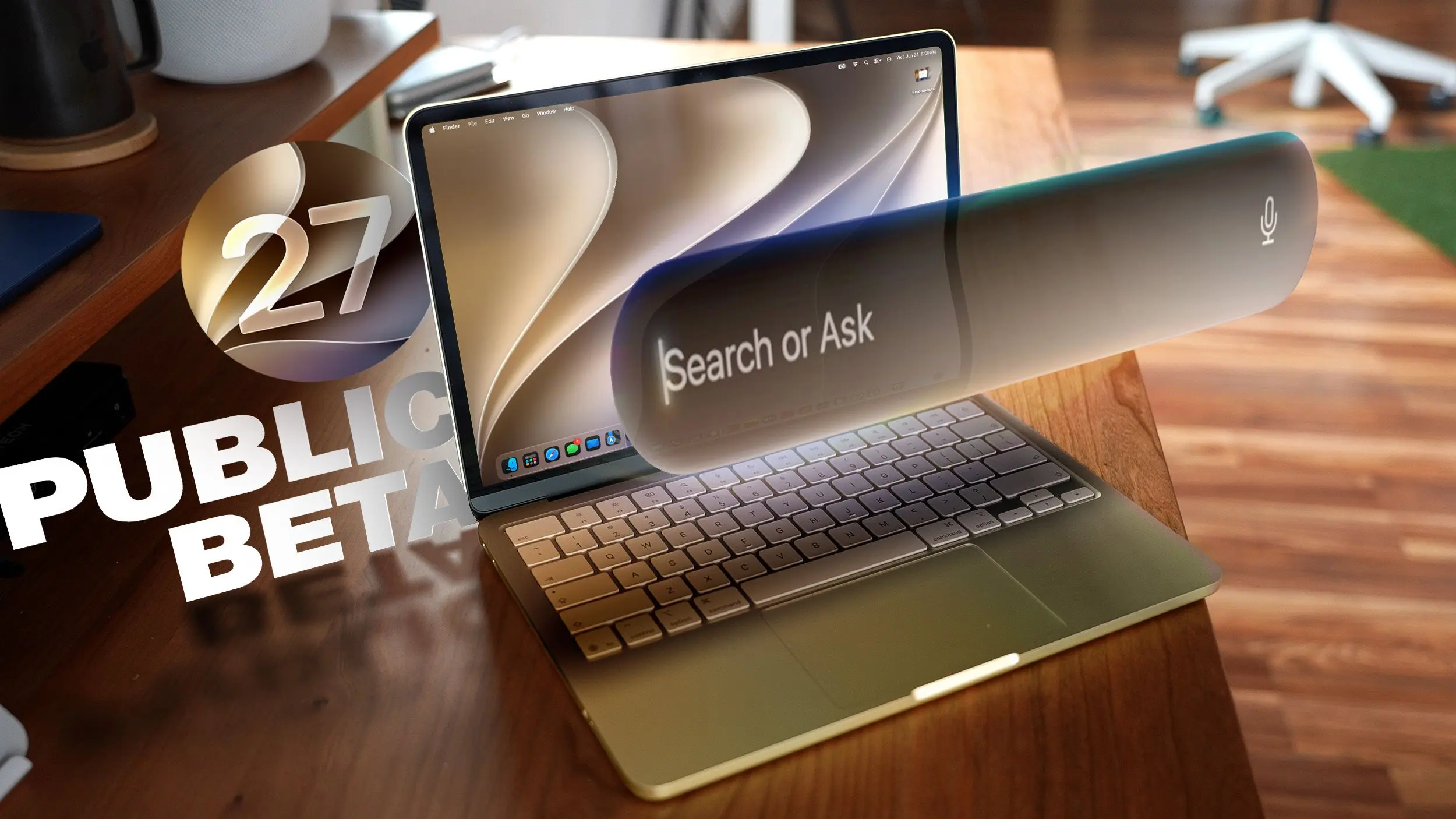
Apple has released the public beta of macOS 27 Golden Gate, allowing adventurous users to test new features before the official launch this fall. The update introduces Siri AI, a major overhaul of the assistant, along with design refinements, system-wide AI tools, and performance improvements. While betas are not recommended for primary devices, macOS Golden Gate is described as stable compared to previous releases. Users should still back up their Macs with Time Machine before installing. Below, we highlight the ten most notable features to try first.
Liquid Glass
One of the most visually striking changes is the introduction of a Liquid Glass slider in System Settings. This allows users to adjust the transparency of interface elements, from a clearer look that lets backgrounds peek through to a more opaque style for improved legibility. Apple has also refined the overall opacity, better diffusing complex content behind navigation bars and buttons. Darkened edges and brighter specular highlights add depth and separation between UI elements, making the interface feel more layered and modern.
The Liquid Glass effect extends to windows, menus, and panels, giving macOS a unified, glossy appearance reminiscent of the original Aqua design but with a contemporary twist. Users can fine-tune the slider to balance aesthetics and readability, a welcome customization for those who found previous translucency distracting.
Toolbars, Sidebars, and Windows
Golden Gate brings uniformity to app toolbars, making text headings and control groups easier to read by reducing the number of icons used in menus. Window corner radii are now consistent across all applications, eliminating dramatic rounding that varied between apps. Shadow improvements and the Liquid Glass updates make it much clearer which window is active when multiple apps are open, reducing visual clutter.
Sidebars have been redesigned: they no longer float and now extend edge-to-edge, creating a cleaner, less distracting layout. Icon colors return to sidebars, restoring visual cues that were removed in previous versions. These changes improve navigability and reduce cognitive load, especially for users who work with many open windows simultaneously.
Siri AI
The centerpiece of macOS Golden Gate is Siri AI. Siri has been reimagined as a conversational chatbot that can understand context, see what’s on your screen, and access personal data like emails, messages, and photos to answer questions. On the Mac, Siri can be invoked via Spotlight (Command+Space), which now functions as a unified "Search or Ask" bar. Users can search for files or ask Siri to complete tasks, with results appearing inline.
A dedicated Siri app allows users to view conversation history and start new dialogues, with conversations syncing across all devices via iCloud. Siri can search the web, perform actions in apps, and handle complex multi-step requests. This is a drastic improvement over the previous version, which was limited to simple queries and commands. For a deeper dive, Apple has published a Siri AI guide covering specific tasks.
It’s worth noting that Siri AI requires an Apple Silicon Mac (M1 or later) and is not available in the European Union or China at launch due to regulatory concerns.
Visual Intelligence
Visual Intelligence, previously exclusive to the iPhone, comes to the Mac with macOS Golden Gate. Users can ask Siri about anything on their screen by capturing a portion or the entire display. Keyboard shortcuts like Command+Shift+Space or Command+Shift+6 allow quick selection, while Command+Shift+5 opens a tool with a Visual Intelligence icon for adjustable area selection.
Once an area is selected, Siri can search for images, summarize text, translate languages, identify objects, add information to Calendar or Reminders, and answer questions about the content. Features like nutritional information extraction from food images and bill splitting are also included. Visual Intelligence on Mac mirrors the iPhone capabilities, making it a powerful tool for research, shopping, and productivity.
Write with Siri
Building on the Apple Intelligence Writing Tools introduced in macOS Tahoe, Golden Gate adds a system-wide "Write with Siri" feature. Users can right-click in any text field and select "Ask Siri" to compose emails, generate messages, get feedback on writing, or edit text. If text is selected, Siri can refine it; on a blank document, it can create original content. Siri can analyze past communications to mimic the user’s writing style, making outputs feel more personal.
Spell correction has also been enhanced to include grammar suggestions and fixes, helping users write more polished content without third-party tools.
iPhone Mirroring
Introduced in macOS Tahoe, iPhone Mirroring gets a welcome upgrade in Golden Gate: users can now resize the mirroring window by dragging its corners. While some apps limit the aspect ratio to portrait iPhone sizes, others support iPad or landscape layouts, allowing for more flexible multitasking. This is particularly useful for testing apps, viewing photos, or controlling the iPhone without needing to pick it up.
Shortcuts
The Shortcuts app has been redesigned to make automation accessible to everyone. Instead of building workflows from scratch, users can describe what they want in natural language, and AI generates the shortcut. Refinements can be made with further descriptions or manual editing. Shortcuts can be activated via the app or with Siri commands, lowering the barrier to entry for users who find visual programming daunting.
Examples include automating file organization, sending scheduled messages, or creating custom triggers for system actions. This feature leverages on-device AI to understand intent, making it one of the most user-friendly automation tools available.
Safari Extensions
Safari gains a customizable extension feature powered by AI. Users can click the settings icon in the URL bar and select "Describe Extension" to type what they want, such as "display reading time estimate as a badge" or "set minimum font size to 14pt." The AI creates the extension instantly, which can then be used right away. Apple provides several examples: close duplicate tabs, create a focus timer, highlight words, edit webpage content, save recipes, and more.
This feature democratizes extension development, allowing anyone to tailor Safari to their needs without coding knowledge.
Safari Tab Grouping and Notifications
Tab management receives an intelligent boost with automatic grouping. Safari groups related tabs together in the tab view based on content analysis, reducing clutter. Users can also set up webpage monitoring: by selecting a page, they can choose hourly, daily, weekly, or monthly checks, and receive a notification when the content changes. This is ideal for tracking news, product availability, or documentation updates.
Performance Improvements
Behind the scenes, Apple has overhauled underlying code to speed up animations, scrolling, and interactions. Safari, Mission Control, Spaces, and other interface elements feel snappier. AirDrop transfers are faster, network browsing on attached devices is quicker, and window positioning remains stable on external displays. Messages sync more reliably across devices.
Spotlight, Photos, Mail, and Messages benefit from a rebuilt search foundation. Indexing is faster, so recent searches appear immediately. Mail now ranks results to prioritize emails users are most likely looking for, and Spotlight suggestions are more relevant. These improvements make everyday tasks feel significantly more responsive.
How to Install
To install the public beta, sign up on Apple’s beta testing website, then go to System Settings > General > Software Update. Click the "i" icon next to Beta Updates and select "macOS 27 Golden Gate Public Beta." After that, the update can be downloaded and installed like any other software update.
System Requirements
macOS Golden Gate runs on Macs with an M1 chip or later, plus the A18 Pro MacBook Neo. Intel-based Macs are not supported. Every compatible Mac supports Apple Intelligence and Siri AI, but some on-device Siri processing features—such as selecting a natural voice and upgraded dictation—require an M3 or later. Siri AI is not available in the European Union or China at launch.
Source:MacRumors News